The AD is, without doubt, one of the most important tools for System administrators when it comes to Network management, auditing, and reporting. It acts as a central framework from where the admin can manage and secure the network resources. Unfortunately, as useful as it is, the AD comes with its set of limitations. The user interface is not what you would call impressive and it lacks automation which makes it a cumbersome and time-consuming choice.
The good news is that several companies have developed administrative software that you can use to enhance the AD’s functionality for more comprehensive network management. A clean UI, task automation, real-time alerts, mass operation, these are just some of the cool features that you can expect from these tools.
But don’t celebrate yet. Finding the right tool may prove to be harder than you think especially since you don’t have the time to try all of them. Fortunately, we have done this work for you and narrowed down an endless list to just 5 of the best software you can use.
Follow along and I am certain at the end of the post you will have your pick.
1. SolarWinds Admin Bundle for Active Directory

This is a multi-vendor monitoring tool that is designed to find, remove and import users and machines. In order to aid in accomplishing administrative tasks in Active Directory, this tool is comprised of three utilities; the inactive user account removal tool, the inactive computer account removal tool and the user import tool.
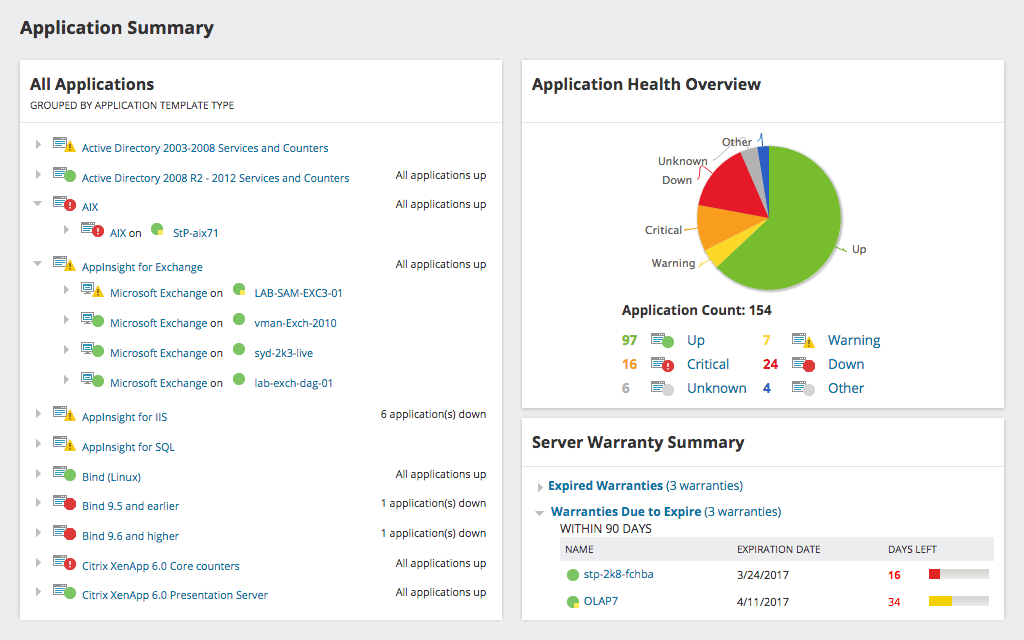
The inactive user account remover enables you to keep the active directory secure by scanning the AD and optionally getting rid of the obsolete users.
The inactive computer account removal tool is a clean-up tool which scans and finds obsolete computers accounts and then removes them to keep the Active Directory tidy and secure.
The user import tool allows you to create and add users to your AD in bulk via the CSV file which is an effective way of saving time.
SolarWinds Admin Bundle for Active Directory boasts of a variety of other great features which include automated capacity, customizable topology, dynamic network maps and also packet capture and analysis. You can also use it to see the users’ Last Login Time.
Installing this software is a breeze and requires minimum configuration.
2. ManageEngine ADManager Plus

ManageEngine ADManager is an intuitive web-based user interface program that will be great for active directory management as well as auditing AD permissions and security. It merges all its global and domain administration tasks into its UI to create one central console.
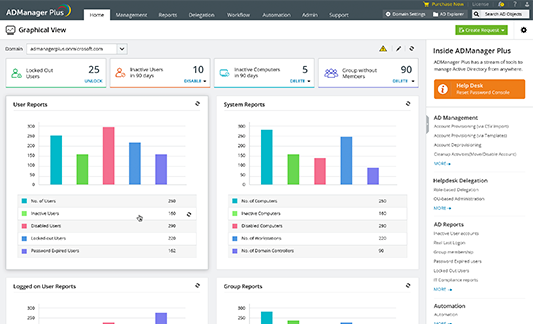
This tool allows you to manage AD objects, groups, and users in bulk and also produce comprehensive reports. Also worth mentioning is the user-friendly UI that includes simple graphical visualizations of the workflows that can easily be understood by the average user.
This tool also comes with a mobile application that enables you to access the central console from anywhere as long as you have internet connectivity. You can use the app to access any file information or even to generate a report.
Some of the other tasks that you will be able to accomplish using this tool include help desk delegation and office 365 management and reporting.
Although ManageEngine ADManager is a great tool, it has one limitation. It can only be used to manage one domain. For better functionality, you can opt for any of its two premium versions.
3. Spiceworks

You may know Spiceworks as a network monitoring solution and help desk program but it’s also an amazing Active Directory management tool. All you have to do is to set up the Active Directory settings which should not be a problem since the UI has been laid in a very straightforward way.
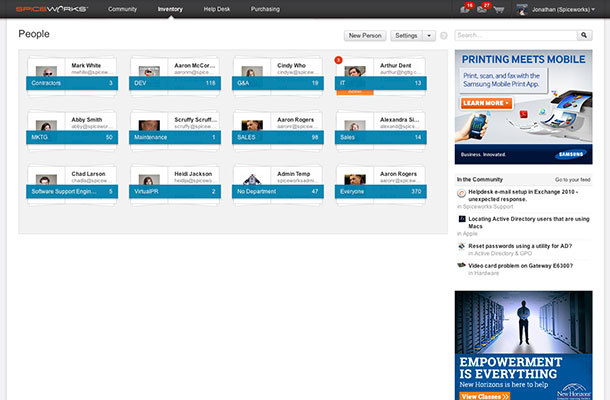
Once it is set up, this Active Directory management software can be used to update the user account properties such as the email, phone number, department, and title. You will also be able to monitor any User’s workstation by adding their profile to the tool. Even better, you can update their software when it’s necessary.
Other user account management features allowed by the software include resetting of passwords, enabling and disabling of user accounts, and updating of user’s profiles like uploading of a profile picture on a self-service portal.
You can also expand the functionality of the tool by incorporating plugins like the Network Monitor which performs real-time status monitoring of all devices and the Netwrix Change Notifier Widget which tracks all the changes made to your Active Directory.
4. PRTG Active Directory Monitor

This is an integrated and flexible network, server, and application monitoring tool that keeps track of all the key aspects of Active Directory performance. The PRTG is easy to start and it monitors the entire domain forest, therefore, simplifying your day-to-day activities by saving on time, effort and money.
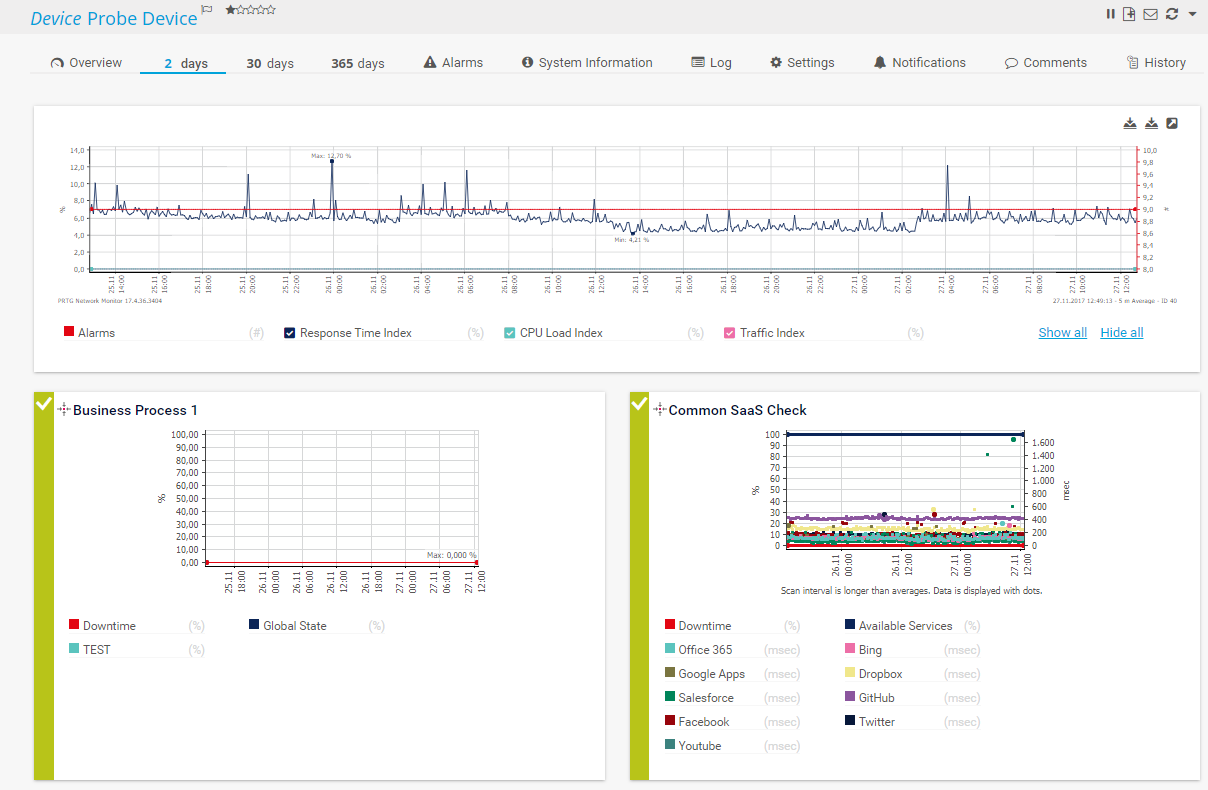
The tool is equipped with error sensors that perform a variety of tasks like displaying the number of consecutive synchronous errors, time and result of the last synchronization, if the source was deleted, the number of pending replication operations among other activities.
Moreover, the PRTG tool detects what users are connected to the domain system and those which are not connected as well as managing AD group membership. It also monitors the security-related activities by keeping track of the change of passwords and account lockouts.
And to top it off, PRTG can be used to perform a number of other interesting undertakings like VPN monitoring where it monitors VPN connections and measures the traffic load and also in the identification of connection problems.
5. CJWDEV AD Tidy

Much like the name suggests, CJWDEV AD Tidy is a popular tool among system administrators that helps in tidying up the network by identifying the inactive users and dormant computer accounts. This is achieved through the use of last login filter date or attributes to determine which accounts to safely get rid of.
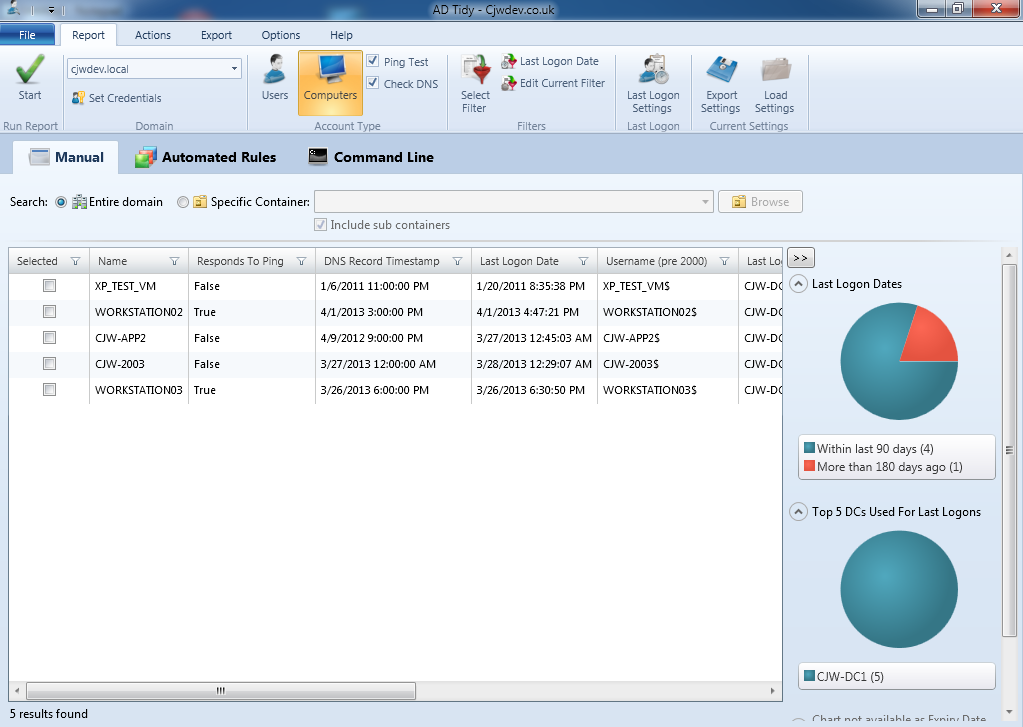
Moreover, with the tool’s great interface, you can set random passwords for different user accounts, add multiple accounts to a specific group, or add a particular expiry date to a set of user accounts.
The reports on user and computer accounts generated by AD Tidy can either be viewed on the GUI or exported to CSV and XLSX files. Alternatively, you can save them within the tool and you will be able to reload them when needed.
The tool is available as both a free and paid version.
Comments
Post a Comment